Batch Converter
Batch DWG Converter
✦ Batch Converter: DWG to PDF, DXF to PDF, DWF to PDF ✦ Create an individual PDF file for each DWG file
1
Welcome
2
Files
3
Settings
4
Output
5
Convert
✦ Batch Converter: DWG to PDF, DXF to PDF, DWF to PDF ✦ Create an individual PDF file for each DWG file
Batch convert DWG, DXF and DWF to individual PDF files in one operation. Each file gets its own PDF with production-ready output.
Configure once, reuse forever. Set independent conversion templates for different projects to ensure output consistency and professionalism.
Automatically checks drawing versions, layer standards, and missing fonts during conversion, generating detailed conversion reports.
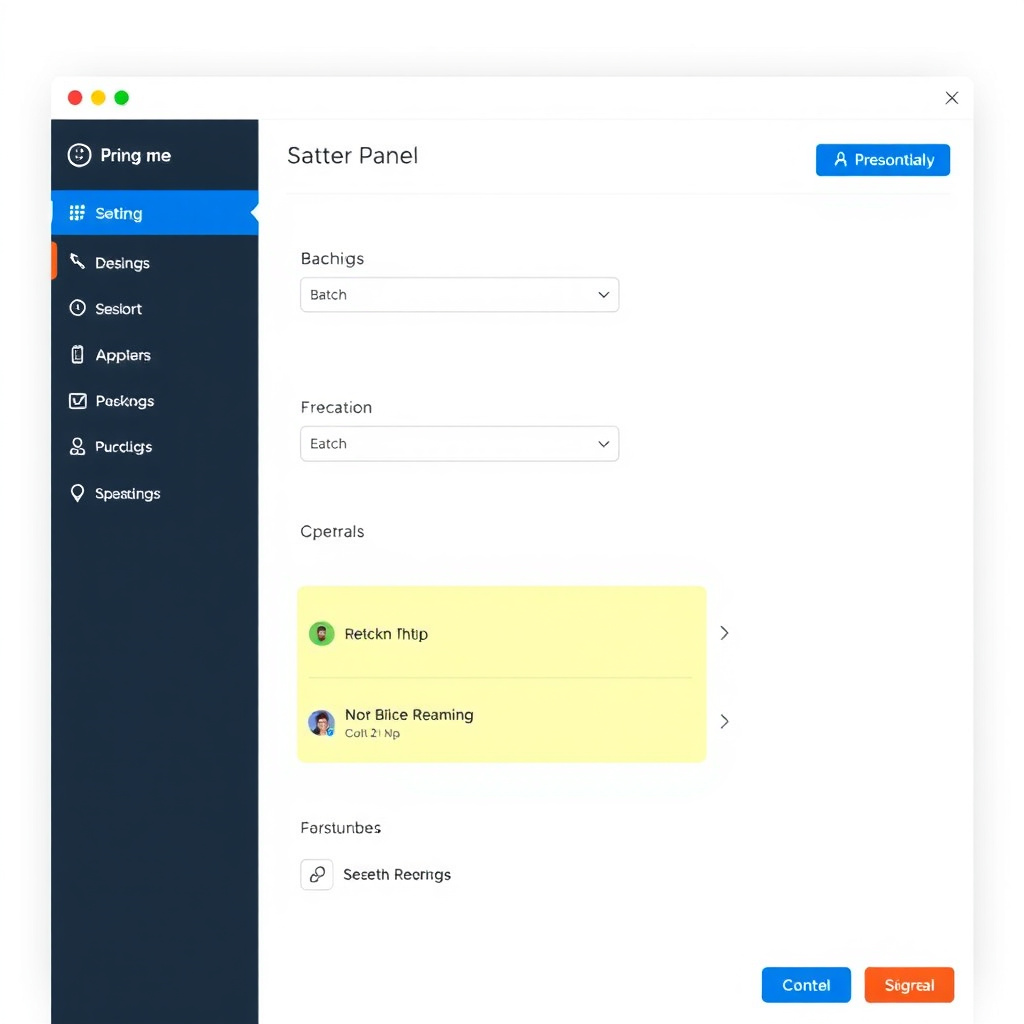
Uniformly specify full drawing, extents, display, or preset viewports without opening each DWG file individually.
Add project name, version number, date, and company watermark to the entire batch with one click.
Supports wildcards and variables (date, original filename, drawing title) for batch renaming.
Automatically maintains original folder hierarchy after conversion for easy archiving and retrieval.
| Batch Processing Limit | Unlimited (depends on system memory & disk space) |
| Supported Input Versions | AutoCAD DWG/DXF R12 to 2024 |
| Concurrent Processing | Up to 16 concurrent threads |
| Output Formats | PDF, SVG, DXF, PNG, JPG, BMP |
| Automation Integration | Supports CLI (Command Line Interface) for integration into enterprise workflows |
Download Batch DWG Converter and start efficient batch processing today