Step 1 — Open a Drawing:
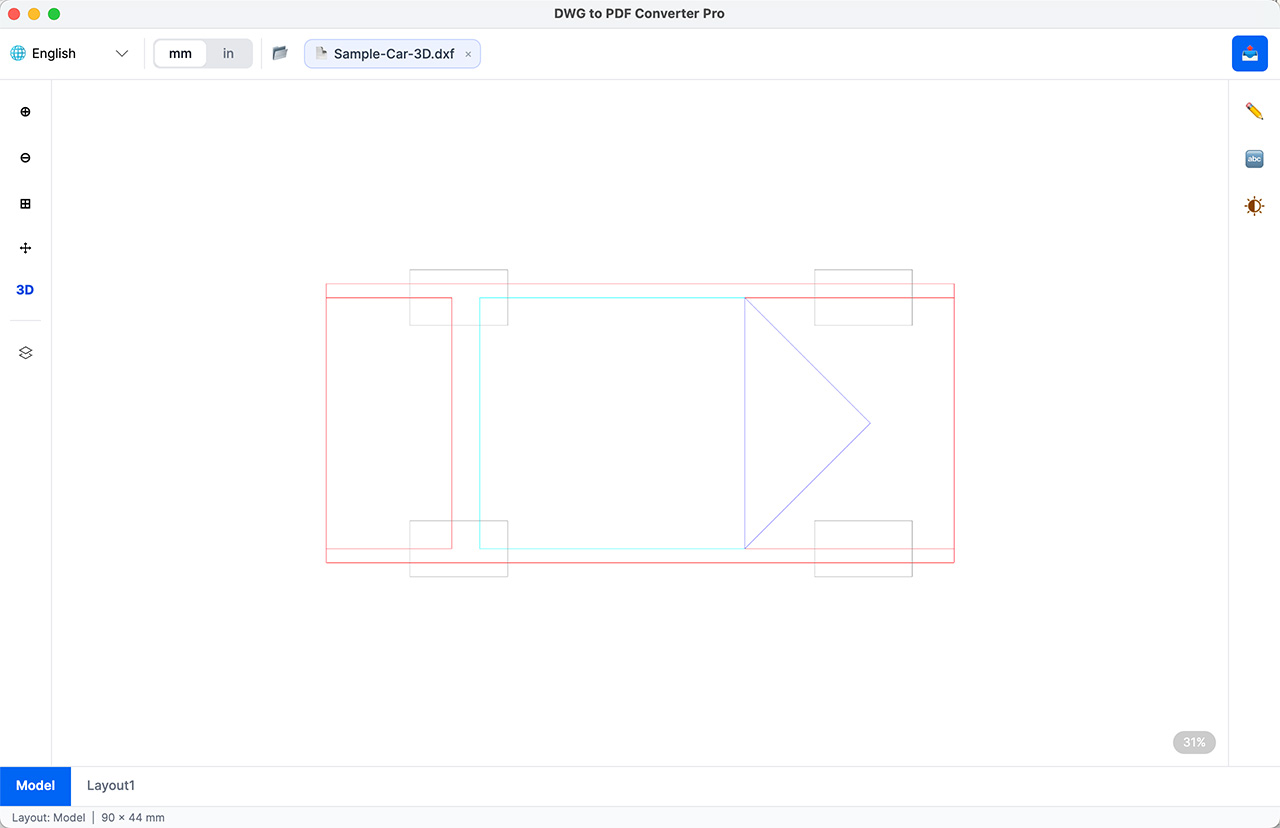
Click the Open Drawing File button to add drawing files, then click the 3D button to switch to 3D mode.
Step 2 — 3D Drawing View
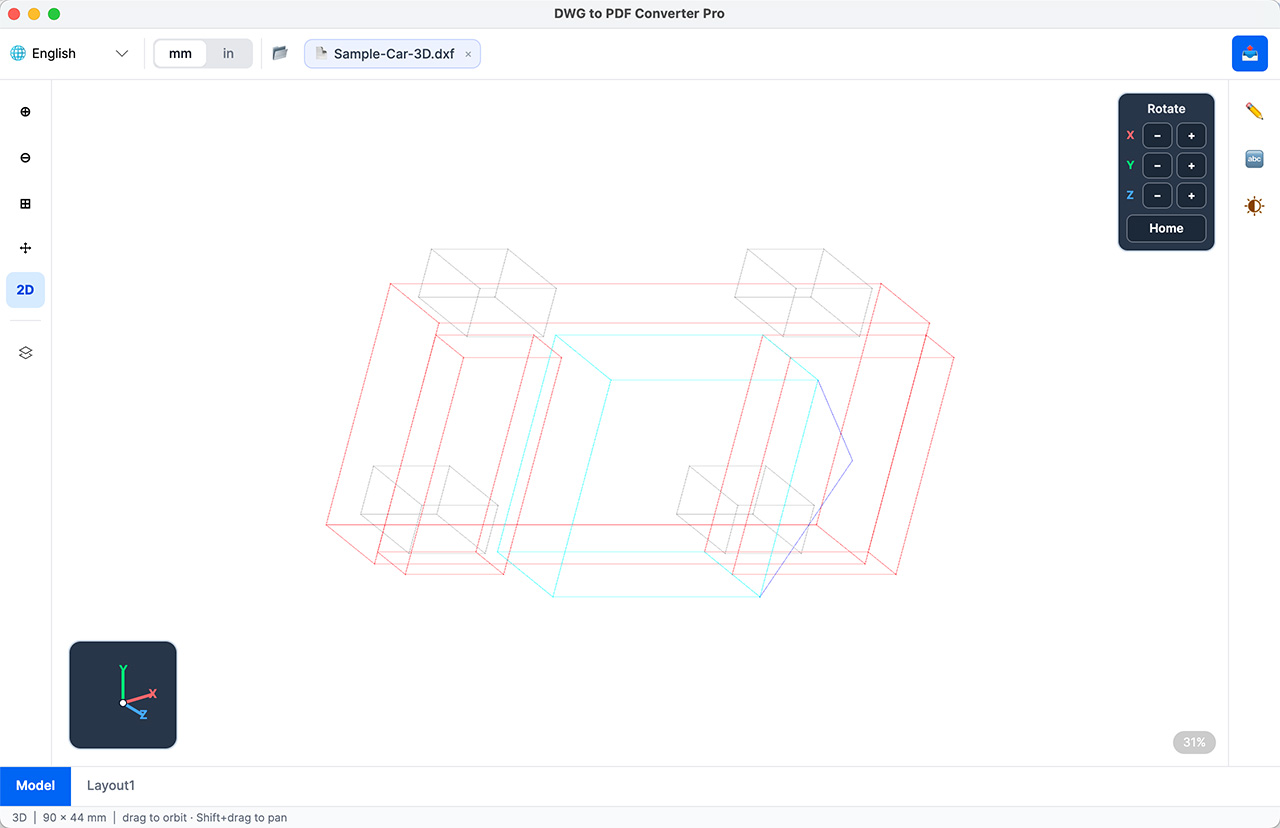
In 3D mode, you can pan and rotate the 3D drawing.
Step 3 — 3D Export Settings
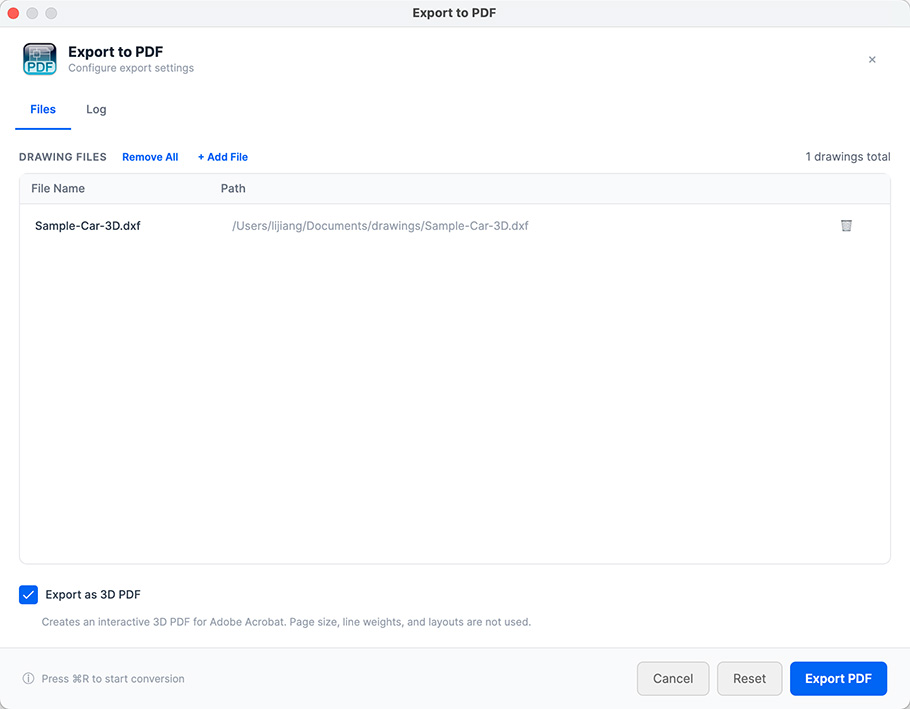
Open the Export Dialog
Click the export button
on the toolbar to open the export dialog.
Check the "export as 3d pdf" checkbox.
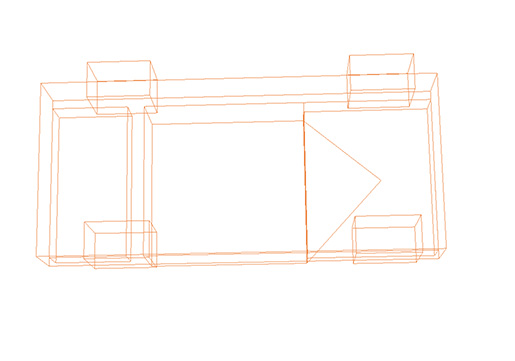
Click the export button to export a 3D PDF.
Copyright (c) 2026 CAD Pro Tool Software. All Rights Reserved.